What it does
You tell Addalaf about a talk you're giving, and it suggests jokes that fit the moment, written to your own boundaries. You keep what works, edit what's close, and throw out the rest. It suggests; you decide what you say on stage.
Two ways in
Brief Mode
For when you don't have a script yet. Describe the occasion and one specific detail worth riffing on, and you get three different angles on it.
Script Mode
For when you have a draft. Paste it in, and Addalaf finds the spots in your speech where a laugh belongs and suggests material for each one.
You set the boundaries
Your profile tells Addalaf how your humour sounds and what you'll never joke about. Set it once and every round respects it, so you don't have to explain yourself each time. You can change it any time.
Some things it won't write, whatever the settings:
- jokes that demean people for who they are
- sexual material
- jokes aimed at a specific person in the audience
- jokes about a loss, illness or job loss you've told it to avoid
Sometimes it also holds back because the moment calls for sincerity rather than a laugh. When it declines, it tells you why.
Screenshots
From the Addalaf web app, using test data.
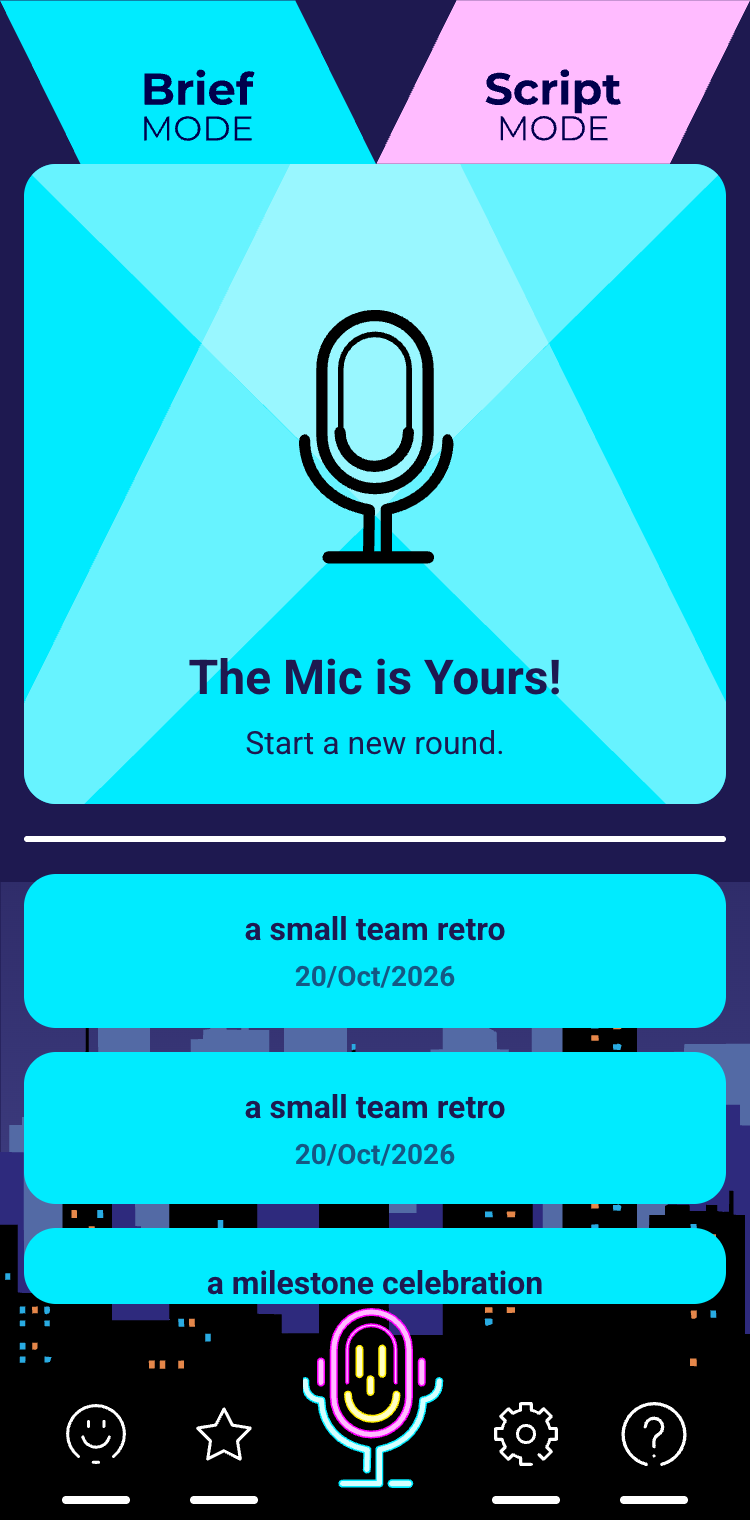
Brief Mode: start a new round, or reopen an earlier one. 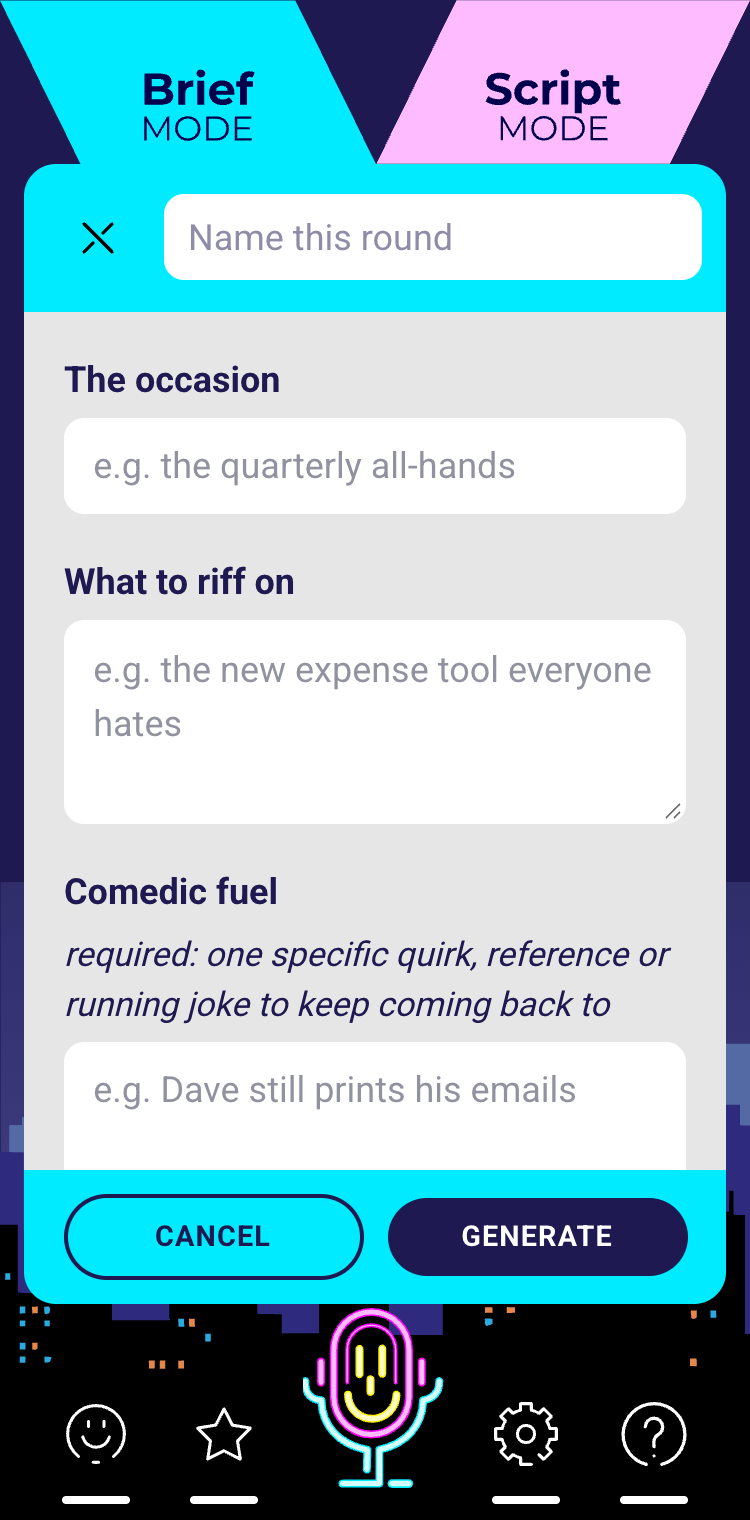
Describe the occasion and one detail worth riffing on. 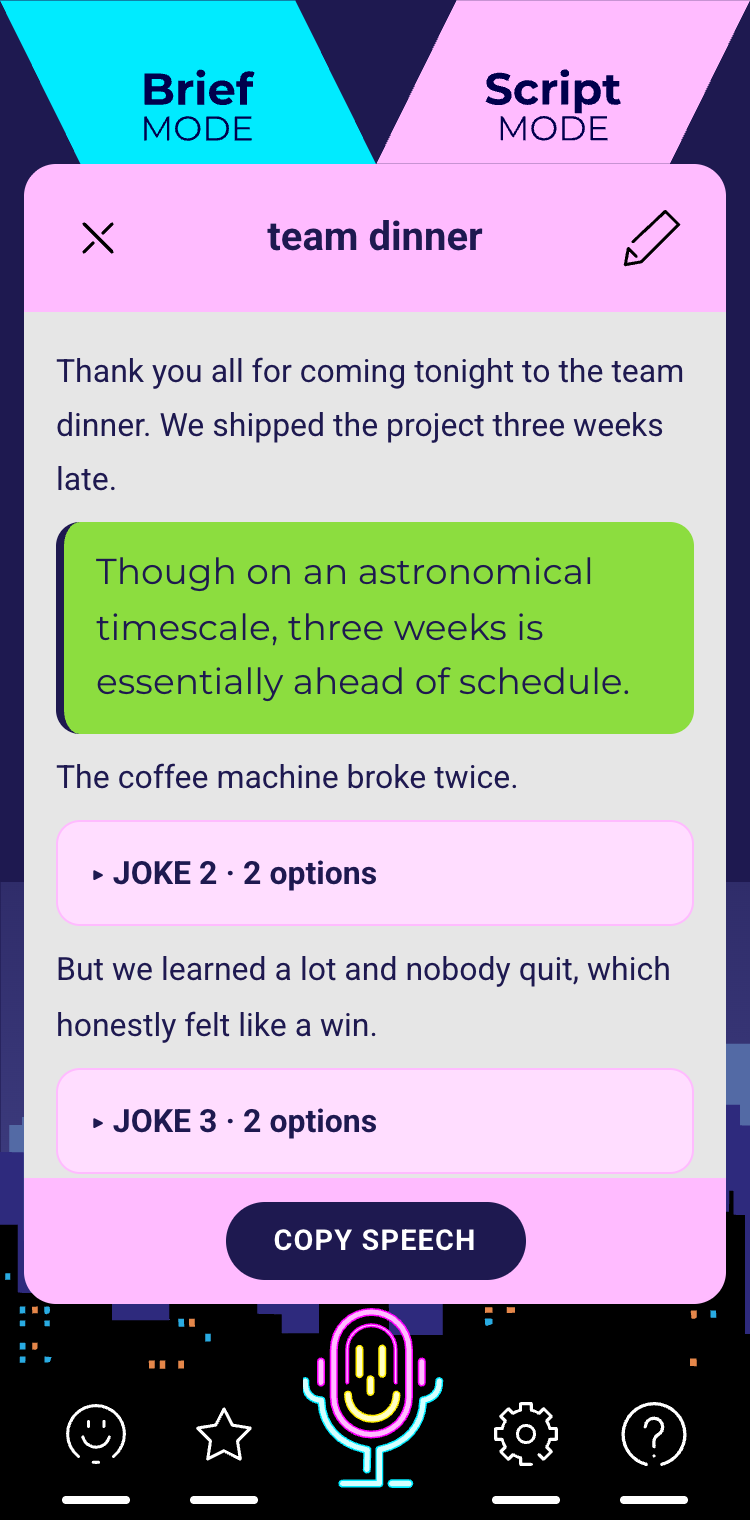
Script Mode: suggestions placed where a laugh fits in your draft. 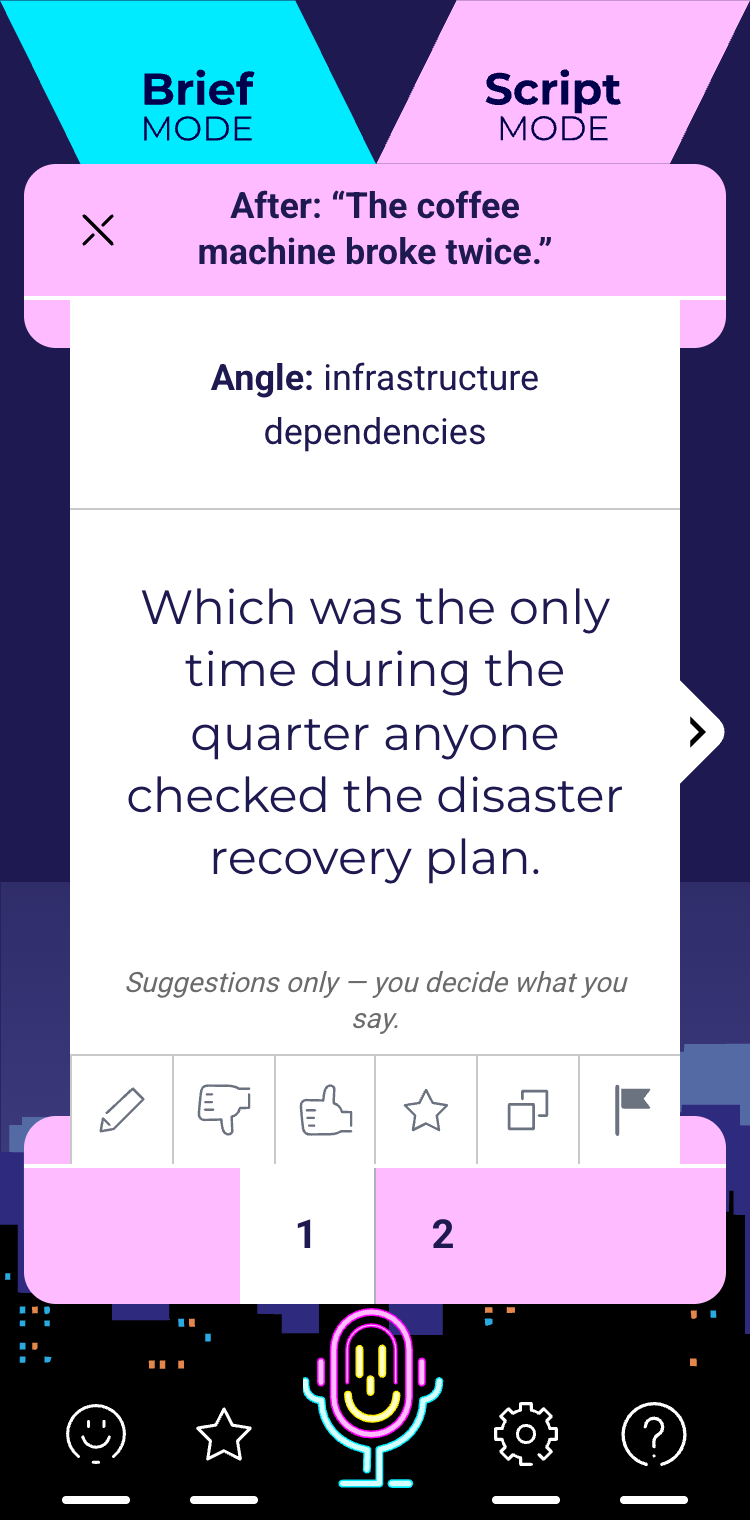
Each suggestion can be edited, kept, rejected, saved or copied.
Your data
Your speeches, profile and choices are stored in your account so you can come back to them. To write suggestions, Addalaf sends your request to one of its AI providers, Anthropic or Google. Neither uses it to train or improve its models. See the Privacy Policy for the full details.
Support
Questions or problems with Addalaf: contact@heartfulrobots.com